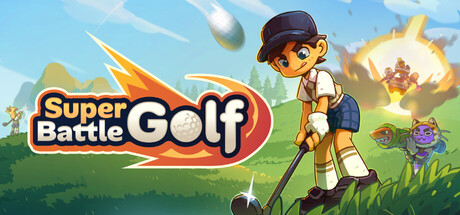
Welcome to Super Battle Golf! This chaotic 1-8 player golf game is all about swinging, shooting, sabotaging, and finishing first by any means necessary. This guide will get you from confused newbie to confident player.
What is Super Battle Golf?
Developed by Brimstone and published by Oro Interactive, Super Battle Golf released on February 19, 2026. It sold over 100,000 copies in just 48 hours with 97% positive reviews on Steam.
The concept is simple: up to 8 players compete on the same golf course simultaneously. Everyone races to sink the ball first while using items like mines, orbital lasers, and golf carts to sabotage opponents. It's golf meets bumper cars meets total mayhem.
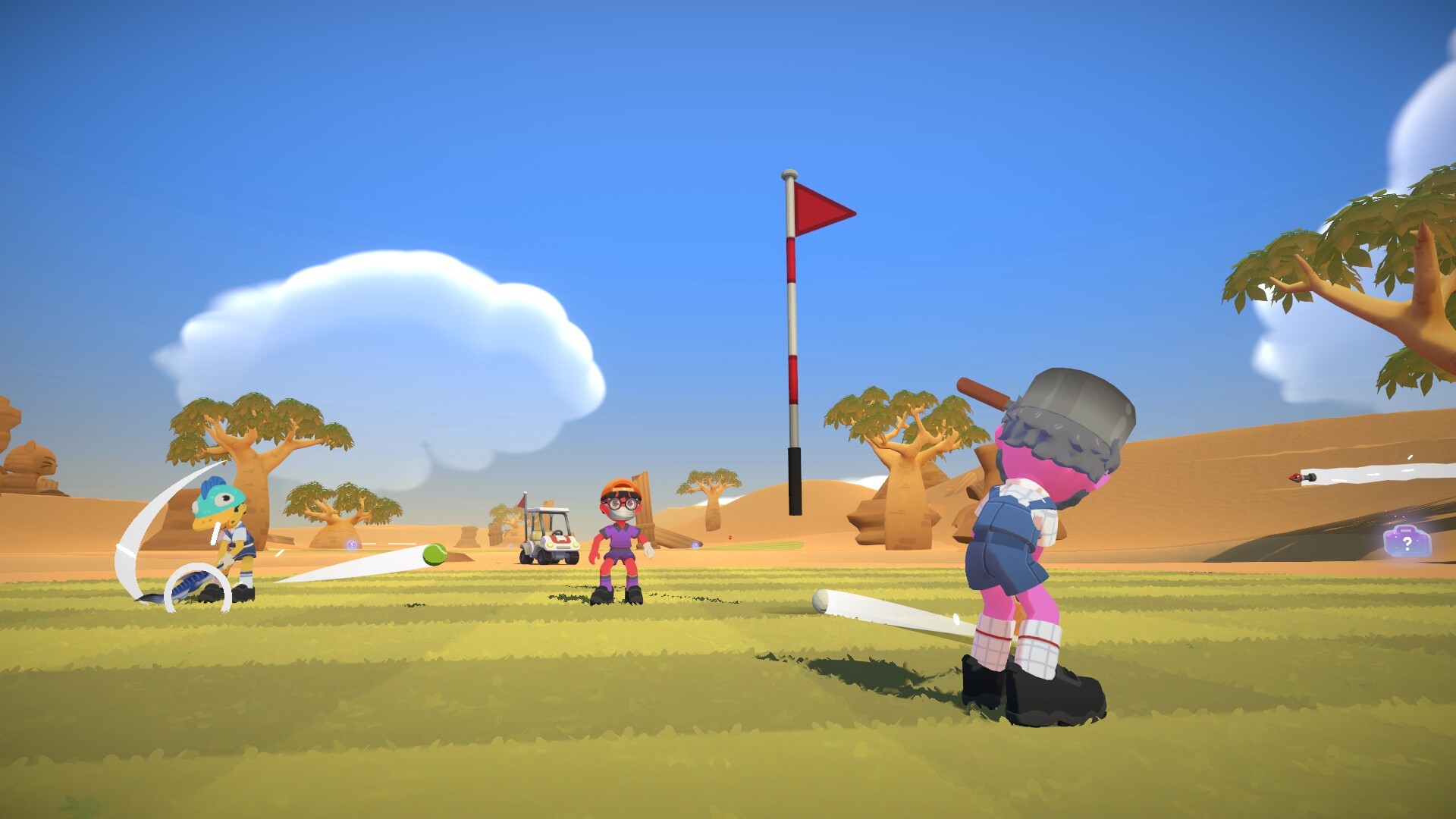
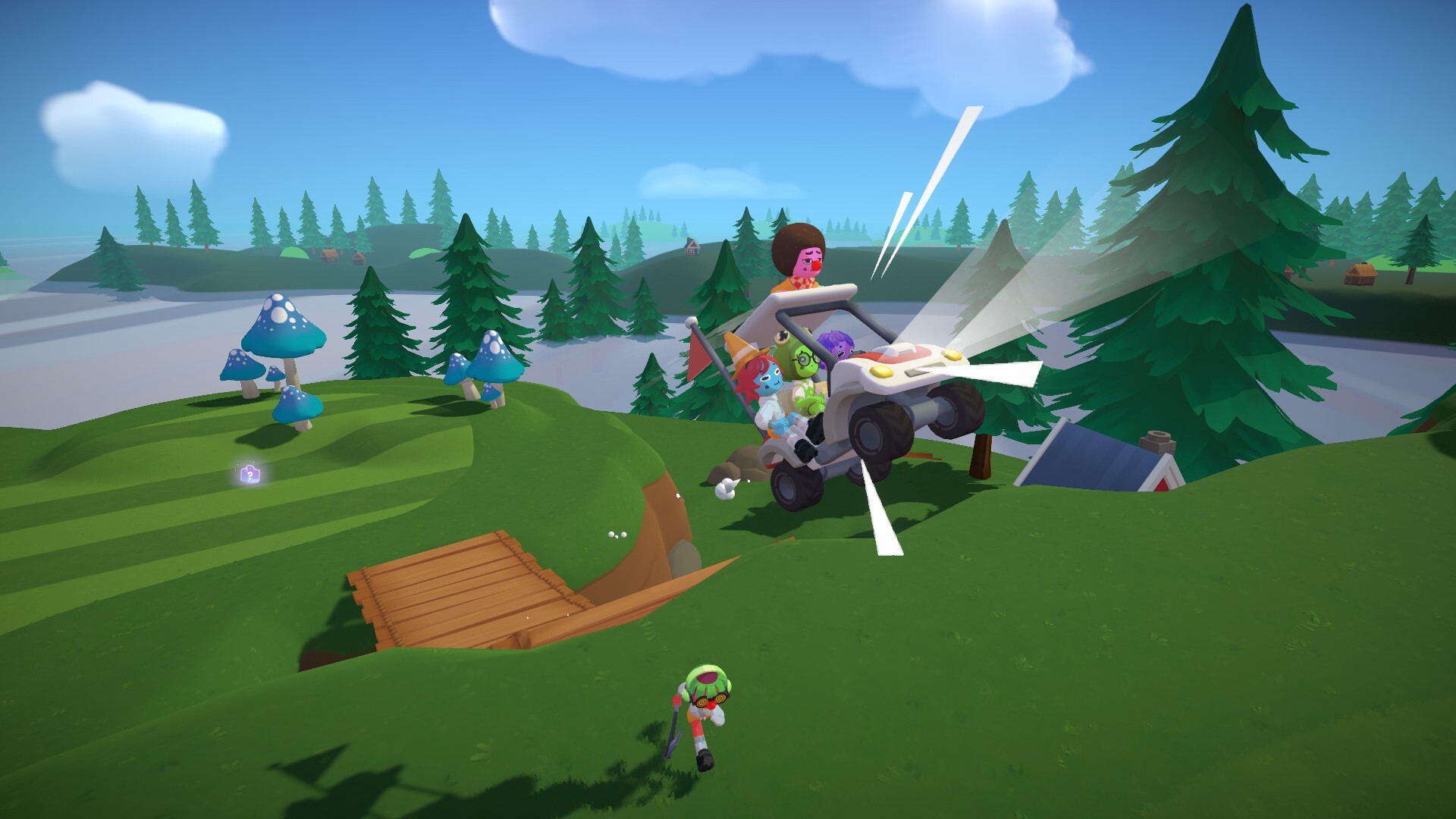
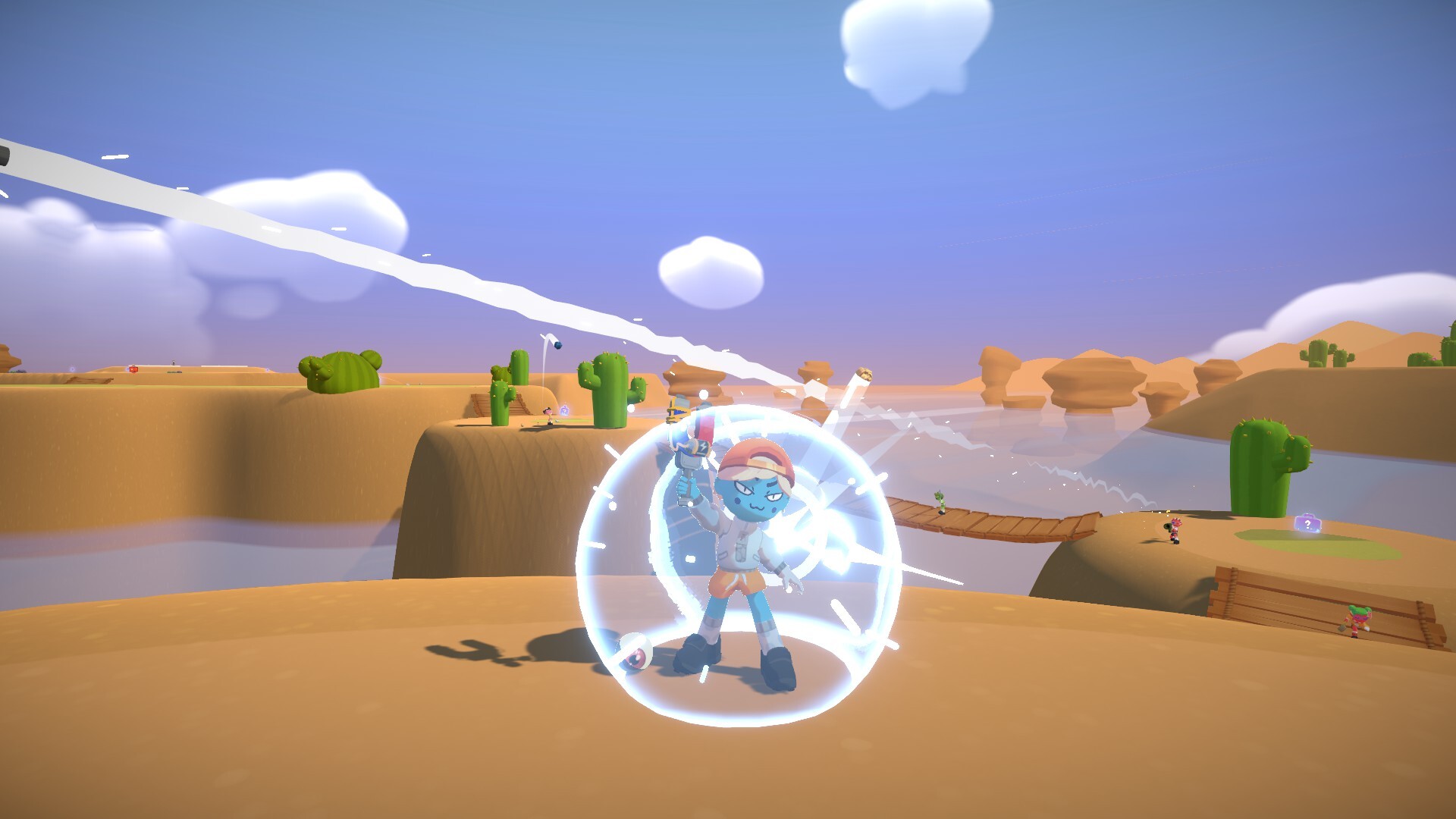
Watch: Super Battle Golf Gameplay
See the chaos in action before diving into the guide:
Complete Controls
| Action | Key/Button | Notes |
|---|---|---|
| Aim Shot | Mouse Movement | Point where you want to hit |
| Swing (Power) | Hold & Release Left Click | Longer hold = stronger shot |
| Adjust Swing Angle | Middle Mouse Button | Higher angle = more air, lower = rolling |
| Use Item | Right Click | Activates your current item |
| Dive / Dodge | Ctrl | Dodge attacks, grab items faster |
| Drop Item | F | Free up inventory space |
| Interact / Enter Vehicle | E | Enter golf cart, pick up mines |
| Creep (Slow Walk) | Hold Alt | Required to disarm landmines |
| Emote / Dance | T | Taunt your opponents! |
Playing with a controller? See the full Xbox controller button mapping and controller support guide.
8 Essential Beginner Tips
Dive Often
Press Ctrl to dive. Use it offensively to grab items faster, or defensively to dodge rockets, carts, and orbital lasers. This move will save your life constantly.
Manage Your Items
You can hold up to 3 items. Press F to drop unwanted items and make room for better pickups. Good inventory management gives you the right tools at the right time.
Hit Opponents for Speed
Striking another player with your club stuns them AND gives you a speed boost. In close races near the hole, a quick swing can make all the difference.
Don't Underestimate Speed Items
Spring Boots and Coffee might not look flashy, but reaching the hole faster than opponents is huge. Being ahead keeps you away from the chaos behind you.
Elephant Gun = Mobility Tool
The Elephant Gun's knockback can propel YOU forward! Point at the ground, jump, and shoot to boost yourself toward the goal. Turn a weapon into transportation.
Adjust Your Swing Angle
Use middle mouse to change swing angle. Higher angles send the ball further in the air (good for obstacles). Lower angles keep it rolling (good for precision near the hole).
Prioritize Checkpoints
The floating red objects that turn green are checkpoints. If you fall off or into water, you respawn at your last checkpoint. Missing them means starting further back!
Multiple Ways to Score
Points come from: finishing the hole, finishing first, fewer strokes, and knockouts. You don't need to focus on just one - mix strategies based on the situation.
How Scoring Works
Super Battle Golf uses a point-based system:
- Finishing Position: First place gets maximum points, decreasing for 2nd, 3rd, etc.
- Stroke Count: Fewer shots = more points
- Knockouts: Stunning opponents earns points
- Match Winner: Highest total points after all holes wins
How to Play with Friends
Inviting Friends
- Add your friends on Steam first
- Press "Start" from the main menu to enter the lobby
- Press ESC and select "Invite"
- Choose friends from your Steam list
- Wait for them to accept and join
- Start the match when everyone's ready!
Joining Public Lobbies
- Select "Join" from the main menu
- Browse available lobbies
- Filter by ping (under 100 recommended)
- Click to join, or "Spectate" to watch first
Common Beginner Mistakes
- ❌ Always using maximum power shots (controlled shots are often better)
- ❌ Ignoring items and power-ups (they're game-changers!)
- ❌ Standing still (you're an easy target)
- ❌ Forgetting to dive when attacked
- ❌ Hoarding items instead of using them
- ❌ Missing checkpoints and respawning far back
- ❌ Getting tilted when knocked off - it happens to everyone!
Game Modes
Super Battle Golf supports several modes to keep every session fresh:
🎉 Party Mode
The core experience. 2–8 players compete on the same course simultaneously. Points are awarded for finishing position, strokes, and knockouts. Highest total after all holes wins.
⚔️ Battle Royale Mode
Last ball standing wins! The safe zone shrinks over time, forcing increasingly chaotic confrontations. Items become critical as the play area contracts.
🏆 Ranked Competitive
Skill-based matchmaking with seasonal leaderboards. Climb from Bronze to Diamond and earn exclusive cosmetic rewards for your rank.
🎮 Custom Games
Create your own rules — disable items, tweak physics, set time limits, or build tournament brackets with your friend group.
👥 Local Multiplayer
Play split-screen / couch co-op with friends on the same PC. Supports controllers for a true couch gaming experience.
👤 Solo Practice
Practice maps alone to learn course layouts, item spawn locations, and shortcuts without any competitive pressure.
See our Game Modes Guide for full details on settings and strategies.
Platforms & Where to Play
Supported Platforms
| Platform | Available? | Notes |
|---|---|---|
| PC (Windows) | ✅ Yes | Primary platform, available on Steam |
| Steam Deck | ✅ Yes | Playable via Steam; performance may vary |
| Mac / macOS | ❌ Not officially | No native Mac build; may work via Parallels or CrossOver |
| Linux | ⚠️ Partial | Playable via Proton/Steam on Linux; not officially supported |
| PlayStation (PS4/PS5) | ❌ No | Console versions not announced |
| Xbox | ❌ No | Console versions not announced |
| Nintendo Switch | ❌ No | Console versions not announced |
| Xbox Game Pass | ❌ No | Not on Game Pass as of 2026 |
Super Battle Golf is currently a PC-exclusive title available on Steam. Console and Mac ports have not been officially announced by Brimstone Games.
PC System Requirements
| Spec | Minimum | Recommended |
|---|---|---|
| OS | Windows 10 (64-bit) | Windows 10/11 (64-bit) |
| CPU | Intel Core i5-4460 / AMD FX-6300 | Intel Core i7-8700K / AMD Ryzen 5 3600 |
| RAM | 8 GB | 16 GB |
| GPU | NVIDIA GTX 760 / AMD Radeon R7 260x | NVIDIA GTX 1060 6GB / AMD RX 580 |
| DirectX | Version 11 | Version 12 |
| Storage | 4 GB available | 4 GB SSD recommended |
| Network | Broadband Internet | Broadband Internet |
How Many Players Can Play?
- Online Multiplayer: 1–8 players per session
- Local / Couch Co-op: Supported on PC with controllers (split-screen)
- Solo: Single player practice mode available
- Matchmaking: Yes — public lobbies with built-in matchmaking, plus private lobbies for friend groups
Frequently Asked Questions (FAQ)
Is Super Battle Golf cross-platform / crossplay?
No. Super Battle Golf does not currently support crossplay between platforms. Since it is only available on PC (Windows), all players are on the same platform by default. Cross-platform play with consoles is not applicable as of 2026.
Can you play Super Battle Golf on Mac?
There is no official Mac version of Super Battle Golf. The game is Windows-only on Steam. Some players have reported partial success using Parallels Desktop or CrossOver on Mac, but this is not officially supported and results may vary.
Does Super Battle Golf have matchmaking?
Yes! Super Battle Golf has built-in matchmaking for public lobbies. You can also create or join private lobbies to play exclusively with friends. The lobby browser lets you filter by ping and player count.
What is the max player count?
Super Battle Golf supports up to 8 players per session. This applies to both online and local multiplayer. The recommended count for the best chaos-to-fun ratio is 4–6 players.
Can you play Super Battle Golf on Steam Deck?
Yes, Super Battle Golf is playable on Steam Deck. It runs through Steam and the game controls work with the Steam Deck's built-in controls. Performance is generally good but not officially rated by Valve yet.
Is Super Battle Golf on PS5 / Xbox / Nintendo Switch?
No. As of 2026, Super Battle Golf is PC-exclusive and has not been announced for PlayStation, Xbox, or Nintendo Switch. Follow Brimstone Games on social media for any future console announcements.
How do you disarm a landmine in Super Battle Golf?
To disarm a landmine: Hold Alt to enter Creep (slow walk) mode, then walk slowly toward the mine. While in Creep mode and near the mine, press E to disarm it. Walking at normal speed will trigger the mine — always use Alt first!
How do you spectate in Super Battle Golf?
In the lobby browser, click "Spectate" instead of "Join" to watch an ongoing match without playing. You can also spectate after being eliminated in certain game modes.
Does Super Battle Golf have mods?
Yes! Super Battle Golf supports mods primarily through Thunderstore. Popular mods include the More Players Mod and various custom map packs. See our Guides section for mod installation help.
Does Super Battle Golf have voice chat?
Yes, Super Battle Golf includes built-in voice chat. If your mic is not working, check that the game has microphone permissions in Windows Settings → Privacy → Microphone, and verify the correct input device is selected in the game's audio settings.
Explore All Super Battle Golf Guides
Dive deeper into every aspect of the game:
Tips & Tricks
15 tips from beginner to pro — movement, items, and advanced techniques.
Scoring System
How points work: finishing position, stroke bonuses, knockouts, and overtime.
Controls & Key Bindings
Full keyboard layout, Xbox controller mapping, and how to remap keys.
All 27 Maps
Complete guide to all courses across 3 biomes. Hazards, checkpoints, shortcuts.
Items & Weapons
Tier list and strategies for all 10 items — from Mines to Orbital Laser.
Game Modes Guide
Party, Battle Royale, Ranked, Custom — everything you need to know.
Platforms & Crossplay FAQ
PC, Steam Deck, Mac, Linux, PS5, Xbox — where can you play?
Game Mechanics
Scoring system, knockback physics, swing angles, and advanced techniques.
34 Achievements
Complete achievement guide including the secret hidden achievement.
Tips & Strategies
Advanced tactics, mods guide, and pro-level strategies.
FAQ & Troubleshooting
Connection issues, mic not working, wrong game version, and more.
Cosmetics & Outfits
All skins and outfits, how to unlock them, and how to equip.
Special Moves & Actions
How to disarm mines, dodge homing shots, Sweet Moves, and more.
Community & Discord
Join the Discord, find lobbies, and learn how to spectate.