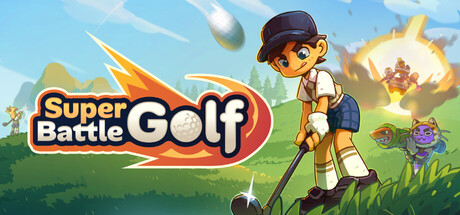
Super Battle Golf's modding community is growing fast. From extending the player cap beyond 8 to installing custom-designed courses, mods let you reshape the chaos to your liking. This guide covers how to install Super Battle Golf mods, the best mods available, how to use custom maps, and everything about the Workshop.
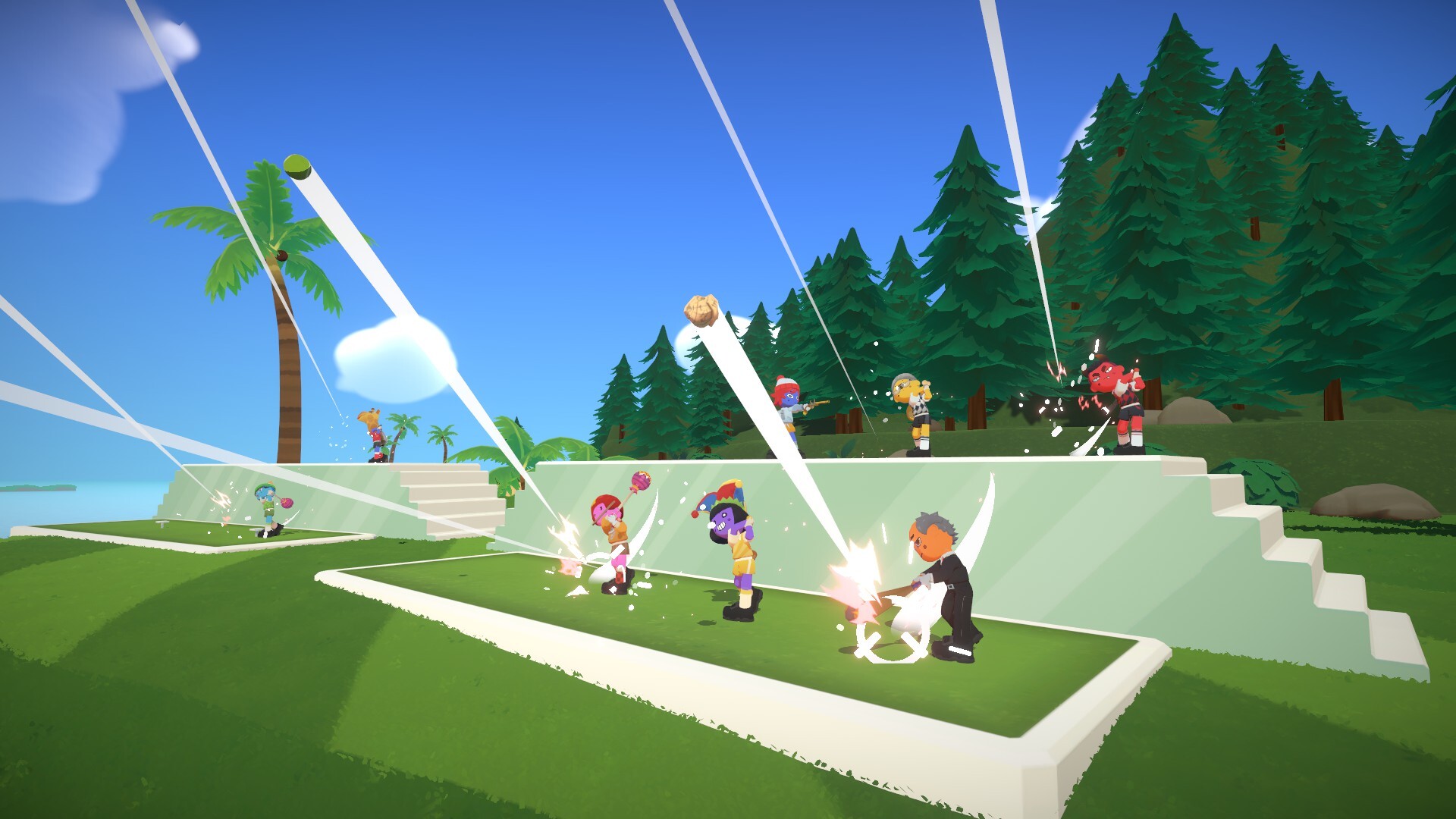
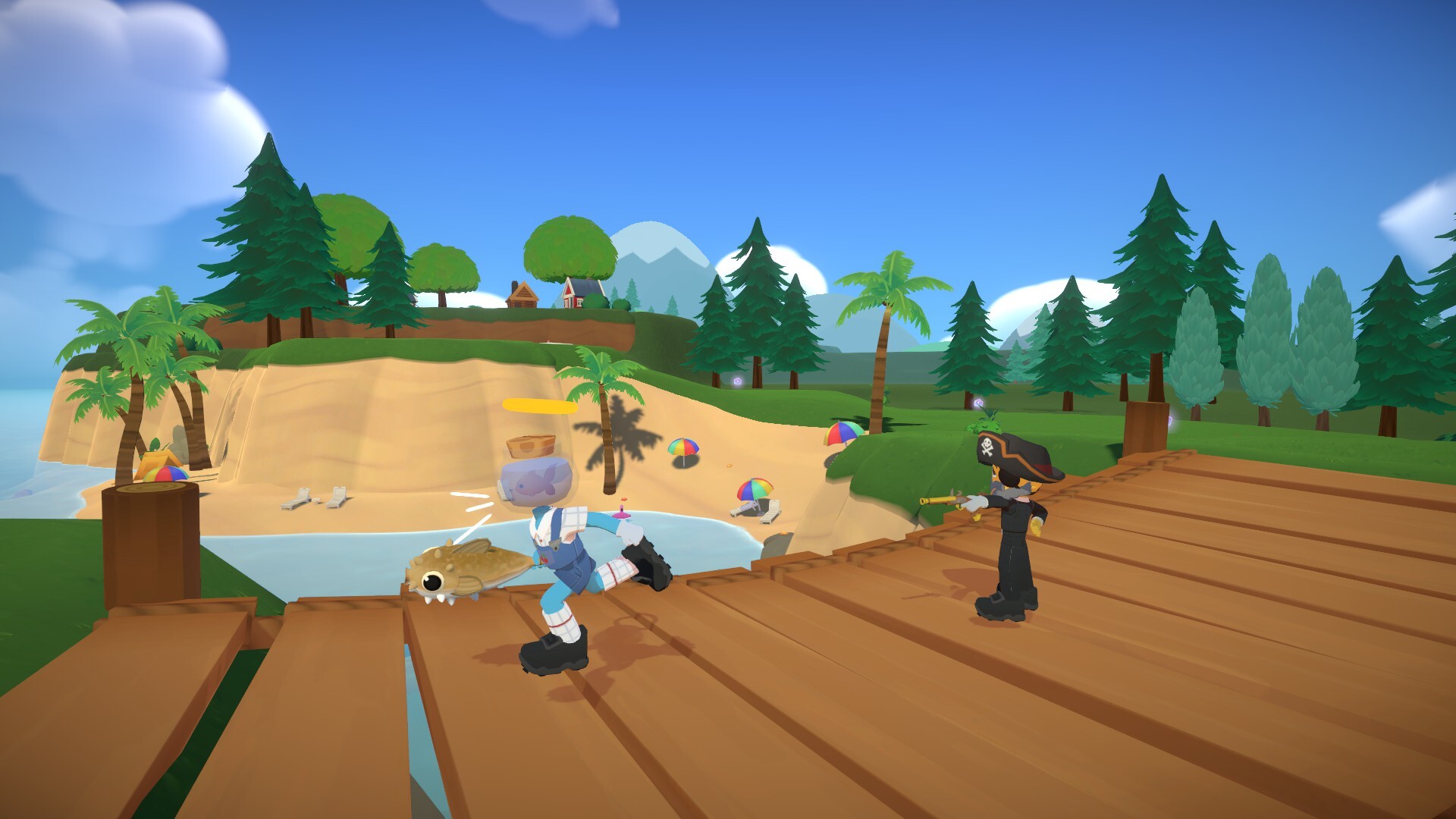
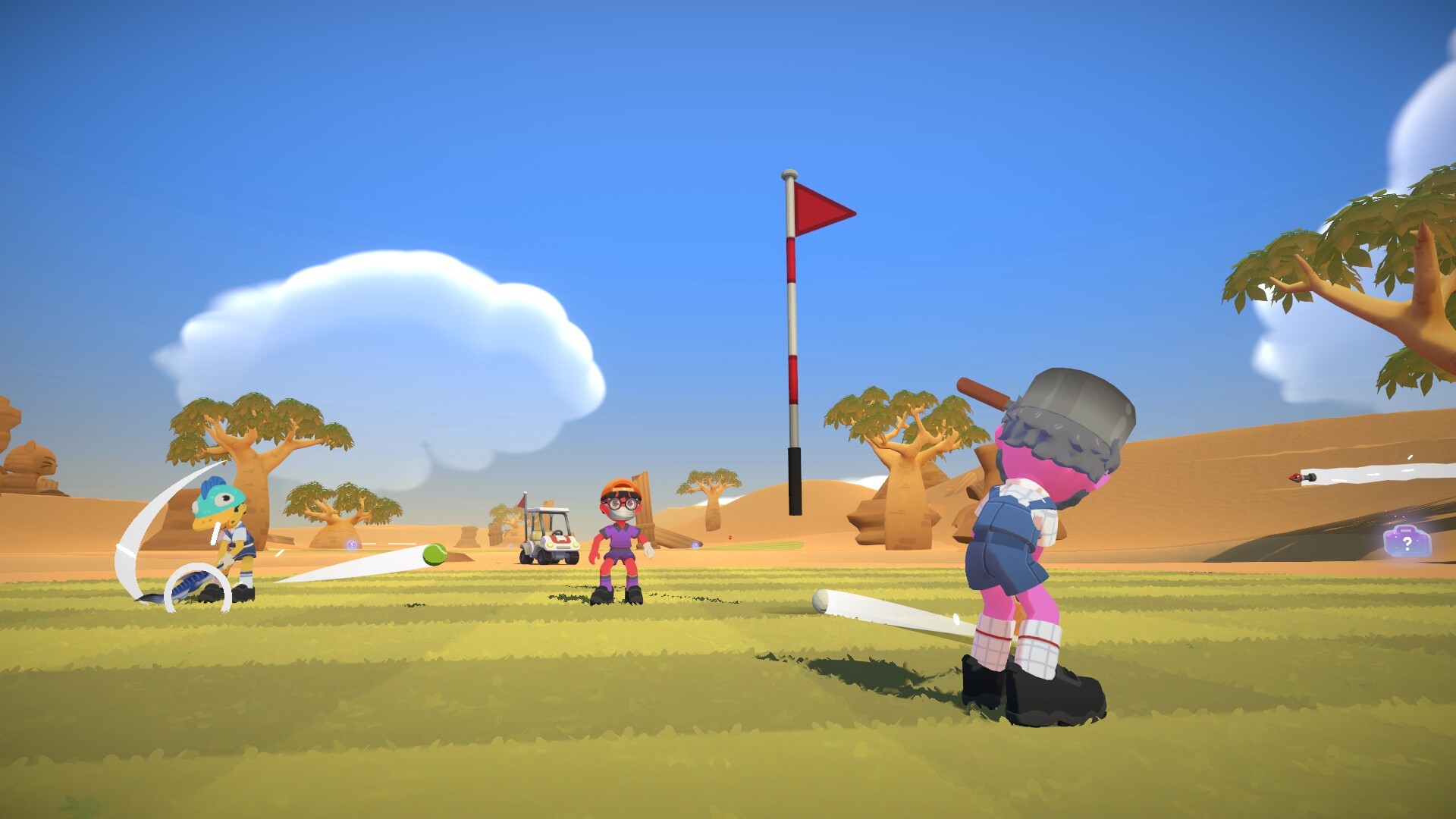
Super Battle Golf Mods Overview
Super Battle Golf supports community mods primarily through Thunderstore — the same mod platform used by games like Lethal Company, Risk of Rain 2, and Valheim. Thunderstore makes it easy to browse, install, and update mods without manually touching game files.
Steam Workshop support is not yet available for Super Battle Golf as of March 2026. All community mods currently live on Thunderstore. If Brimstone adds Steam Workshop support in a future update, this page will be updated immediately.
How to Install Super Battle Golf Mods (Step-by-Step)
There are two methods to install mods: using the Thunderstore Mod Manager (recommended) or manually.
Method 1: Thunderstore Mod Manager (Recommended)
This is the easiest and safest way to manage mods.
- Download Thunderstore Mod Manager
Go to Overwolf / Thunderstore Mod Manager and install the app on your PC. - Select Super Battle Golf
Open the Mod Manager → Search for "Super Battle Golf" → Click Select Game. - Browse and Install Mods
Use the built-in browser to find mods. Click Install on any mod you want — dependencies are automatically handled. - Launch the Game via Mod Manager
Always use the Start Modded button inside the Mod Manager to launch the game with mods enabled. Launching directly from Steam will skip your mods. - Update & Manage
The Mod Manager automatically notifies you when mod updates are available. You can enable or disable individual mods without uninstalling them.
Method 2: Manual Installation
For users who prefer not to use the Mod Manager:
- Download the mod
.zipfile from Thunderstore. -
Navigate to your Super Battle Golf game folder:
C:\Program Files (x86)\Steam\steamapps\common\Super Battle Golf\ -
Extract the mod's contents into the
BepInEx\plugins\subfolder.
(If no BepInEx folder exists, you need to install BepInEx first — see step below.) - Install BepInEx first (required for most mods):
Download BepInExPack from Thunderstore and extract it to your game root folder. Launch the game once to initialize, then add your mods. - Launch Super Battle Golf normally from Steam.
Best Super Battle Golf Mods
Here are the most popular and well-regarded mods currently available:
More Players Mod
The most-requested community mod. Extends the default 8-player cap to allow larger lobbies — some versions support up to 16 or even 32 players. Perfect for big Discord events, tournament brackets, or just absolute maximum chaos.
Custom Maps Pack
Community-designed courses that go beyond the official 27 maps. Includes everything from minimalist putting greens to absurd obstacle courses with no resemblance to real golf. New maps are regularly added by the community.
HUD & UI Tweaks
Customize your heads-up display: reposition player health bars, resize the minimap, add stroke counters, or enable colorblind-friendly modes. Great for competitive players who want cleaner information display.
Camera Mods
Adjust the default camera distance, angle, or field of view for a better view of the course. Especially useful on larger maps where the default zoom feels too close, or for content creators who want cinematic shots.
Cosmetic Unlocker
Unlocks additional cosmetic options for local/private use. Intended for single-player or private lobby use with consenting friends — not for use in public lobbies.
Practice Mode Enhancements
Adds practice-specific features: infinite item spawns for testing, respawn anywhere on the map, ghost replay of previous runs, and speed controls to slow down or speed up practice sessions.
Super Battle Golf Custom Maps
Custom maps are community-created courses that you can install and play locally or with friends in private lobbies. Here's how to find and install them:
Finding Custom Maps
- Thunderstore — Filter by the "Maps" category at thunderstore.io/c/super-battle-golf/. You'll find community-made maps with screenshots and ratings.
- Official Discord — The
Brimstone Discord
has a dedicated
#custom-mapschannel where creators share new maps directly. - Reddit — r/SuperBattleGolf regularly features custom map showcases and download links.
Installing Custom Maps
-
Download the custom map
.zipor mod file from Thunderstore. - Install via Thunderstore Mod Manager (recommended): the map will automatically appear in your game's map selection when you launch modded.
-
For manual install: extract the map files to:
BepInEx\plugins\[MapModName]\ - Launch via Mod Manager → Start Modded → select the custom map in the lobby settings.
- Invite friends: all players need the same custom map installed to play together. Share the Thunderstore link so they can install the same version.
Steam Workshop — Is It Available?
Steam Workshop support is not yet available for Super Battle Golf. As of March 2026, Brimstone has not enabled the Steam Workshop for the game. All mods and custom maps are distributed through Thunderstore instead.
Adding Workshop support is a commonly requested feature in the community. If Brimstone enables it in a future update, Workshop mods would make the installation process even simpler — with one-click subscribe from inside Steam. We'll update this page when that happens.
Tips for Using Mods Safely
- Always use Thunderstore Mod Manager — it handles BepInEx setup, dependency resolution, and mod conflicts automatically.
- Keep a vanilla profile — Mod Manager lets you create separate profiles. Keep one clean "no mods" profile for playing in public lobbies.
- Check mod compatibility — After game updates, some mods may break. Wait for mod authors to push compatibility updates before launching modded.
- Coordinate with your lobby — Share your full mod list with friends before a modded session to avoid desync.
- Report issues to mod authors — If a mod causes crashes, report to the author on Thunderstore rather than to Brimstone, since mods are community-made.
Mods FAQ
Are Super Battle Golf mods free?
Yes. All mods on Thunderstore are free to download. Mod authors may accept voluntary donations, but no mod requires payment to install or use.
Will using mods get me banned?
Super Battle Golf does not have anti-cheat that targets cosmetic or gameplay mods used in private lobbies. However, using mods to gain unfair advantages in public lobbies (such as infinite items or speed hacks) goes against fair play and may result in reports from other players. Stick to harmless mods and private lobbies to stay safe.
Can I use the More Players Mod in public lobbies?
The More Players Mod increases the lobby size cap, but it only works when all players have it installed. Public lobbies are unlikely to have all players running the same mod. It's best used in private, friend-only sessions where everyone has agreed to use the same mod setup.
Do mods disable achievements?
It depends on the mod. Most cosmetic and UI mods do not affect achievements. However, mods that alter core gameplay (like item spawns, physics, or player limits) may prevent certain achievements from unlocking while active. For clean achievement runs, launch without mods.
Does Super Battle Golf have a Thunderstore page?
Yes! You can find all available mods at thunderstore.io/c/super-battle-golf/. The community section is growing quickly as the game's player base expands.
More Super Battle Golf Guides
Wiki & Beginner Guide
Controls, tips, scoring, platforms and everything to get started.
All 27 Maps
Complete guide to every course across 3 biomes.
Items & Weapons
Tier list and strategies for all 10 items.
Platforms & Crossplay
Where to play, crossplay info, Mac and Steam Deck support.
Community & Discord
Join the Discord, find lobbies, share custom maps.